Edge-aware blending
Overlap and feather opposite edges to remove white lines, hard joins, and abrupt color changes.
Upload any image, turn it into a repeating pattern, and export it as PNG, JPG, or a batch ZIP. Stitch directly, blend visible seams, or create a new tileable image with AI.
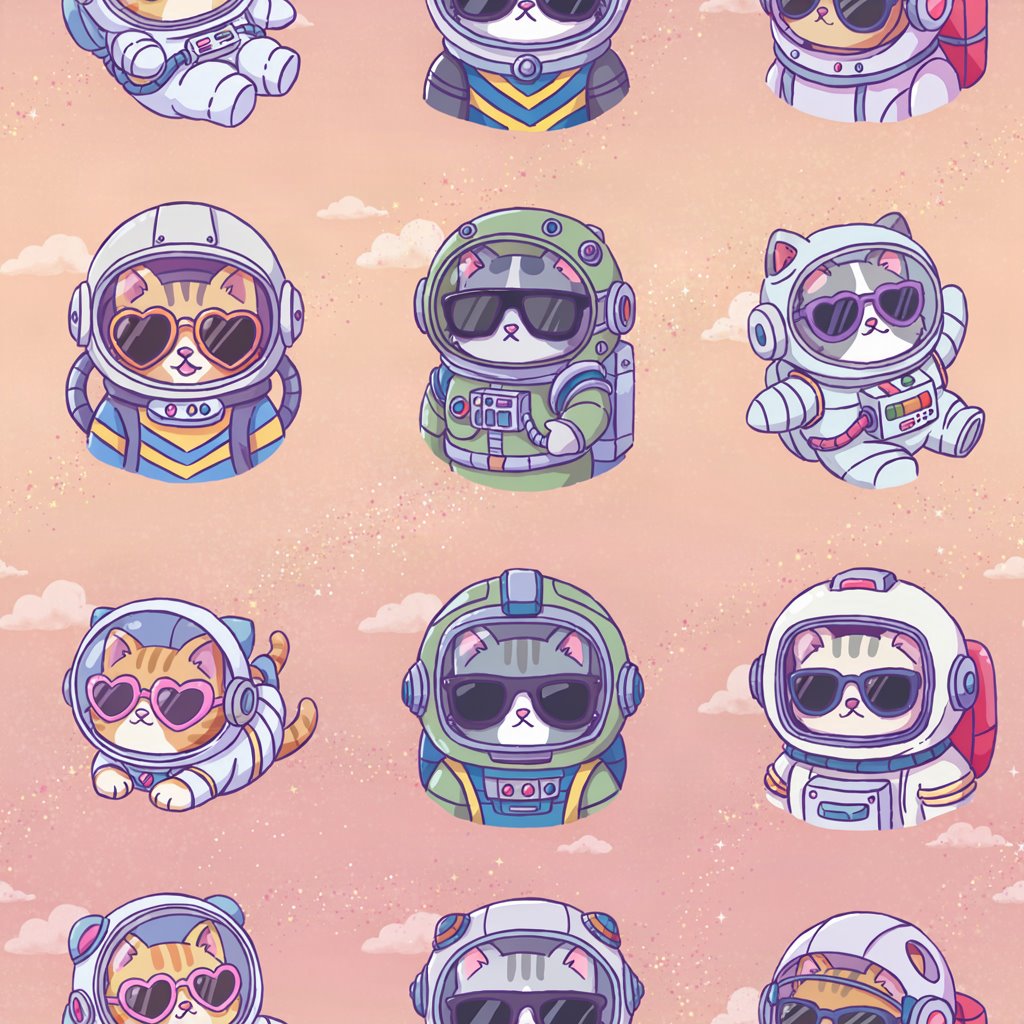
Pattern workspace
Upload images for free browser-based stitching, or switch to AI generation for a new starting image.
or click to browse · PNG, JPG, WEBP
From AI image to real-world production
Overlap and feather opposite edges to remove white lines, hard joins, and abrupt color changes.
Set columns and rows independently, then inspect every seam in a separate 3 × 3 view.
Preview with an optimized canvas, then render from the original image for PNG, JPG, or ZIP delivery.
Three simple steps
Choose an AI image, texture, illustration, or several files at once.
Set columns and rows, then move the blend-area control until the seam disappears.
Download one production file or process the whole batch into a ZIP archive.
Z-Image: 1 credit · Ideogram: 3 Balanced / 5 Quality.
FAQs
A seamless pattern generator turns a regular image into a tile that can repeat without obvious borders. When a source image is copied side by side, its left and right edges often do not match, and the top and bottom edges may create white lines or sudden changes in color. This tool uses overlap-based feather blending to make the image seamless while keeping the original artwork recognizable.
You can use the seamless pattern maker with artwork from Midjourney, Stable Diffusion, a camera, or any design application. Upload a PNG, JPG, or WEBP file, set horizontal columns and vertical rows, then inspect a live 3 × 3 repeat. The blend-area control changes how much of each opposite edge is mixed. A wider area creates a softer transition, while a smaller area preserves more local detail. Independent repeat counts make it easy to prepare fabric strips, wallpaper panels, packaging backgrounds, and print-on-demand layouts.
For a tileable texture, set columns and rows to 1 and choose Seamless Blend. This blends left with right and top with bottom, including the corner overlap, then exports one compact base tile that repeats in every direction. Preview rendering is automatically reduced for a responsive editing experience, but downloads are created from the original image. PNG export preserves transparency and detail; JPG export uses high-quality compression for smaller files.
Local upload processing happens with the Canvas API in your browser, so those source files are not uploaded to an image-processing server. AI generation is a separate, explicit option: a reduced reference is analyzed by DeepSeek and only the resulting text prompt is sent to fal. Whether you need to make an AI image seamless, build a texture for a game, or prepare a repeat pattern for fabric and wallpaper, you can move from generated artwork to a production-ready design in a few focused steps.